Private Comments
Upgrade your Google Docs™ with Private Comments!
Collaborate with your team. Brainstorm internally. Keep your notes private.
Collaborate reliably and efficiently in Google Docs™
Real-Time Collaboration
Have dynamic discussions evolve alongside your document. Private Comments facilitates instant communication, allowing you to address questions and concerns as they arise.
Enhanced Security
Rest assured that sensitive information stays within the document and accessible only to those with the appropriate permissions. This provides peace of mind when dealing with confidential content.
Focused Discussions
Keep your document clean and clutter-free by separating brainstorming and feedback from the core content. This allows everyone to stay on track and focus on the task at hand.
Private Notes
Draft your personal notes and reflections, safeguarding them exclusively for your access. Unveiling them only when they have reached a state of readiness.
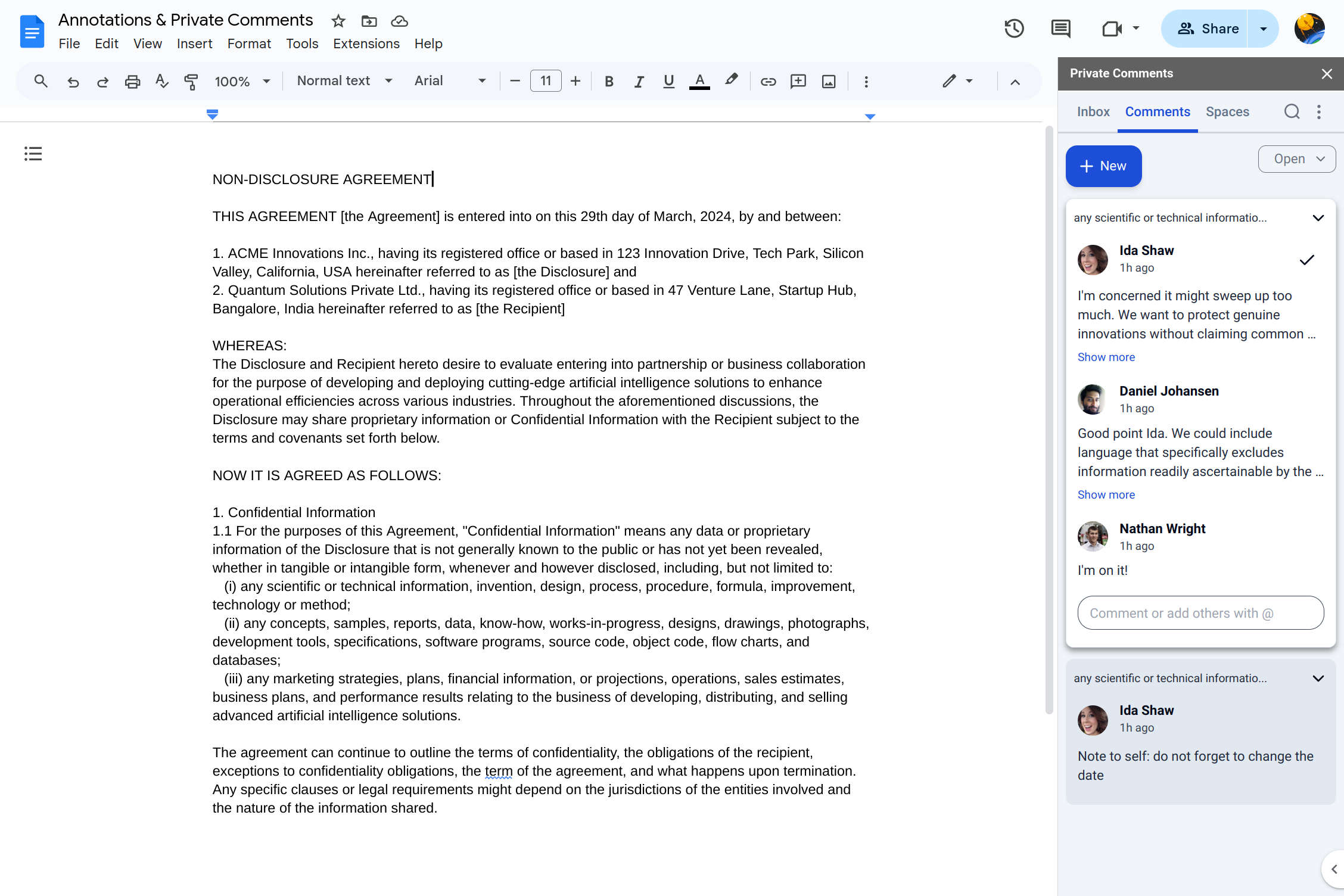
Conversation Threads
Treat your comments as conversations and let the ideas flow, always in context, attached to the proper content of your Google Docs™.
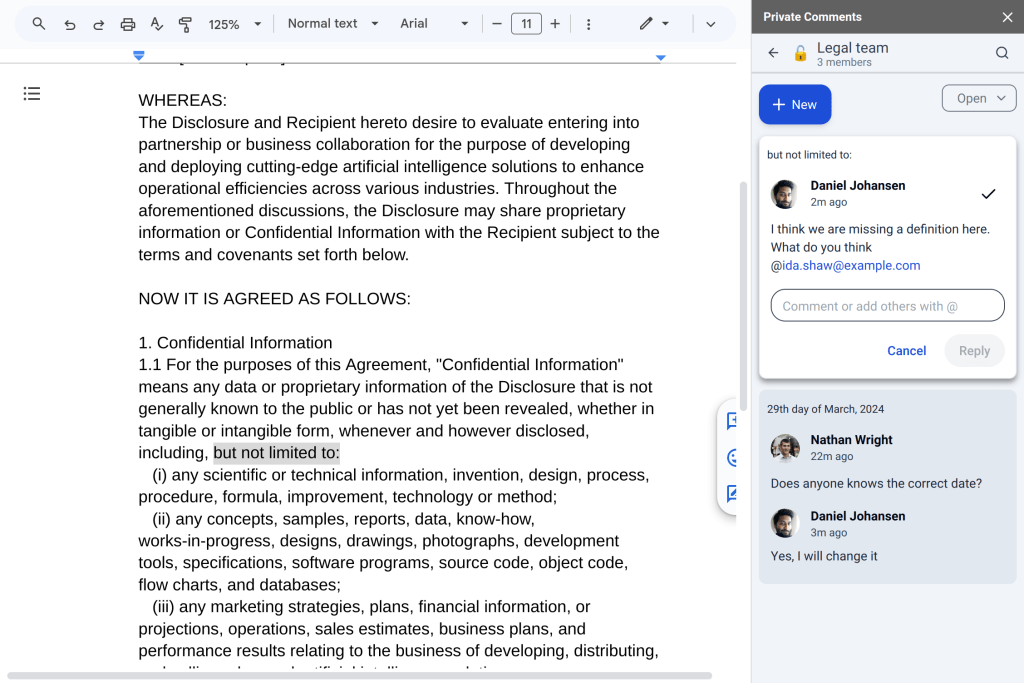
Private Spaces
Spaces provides you with a shared workspaces where you and your team can seamlessly collaborate and share all the comments written in that Space.
Decide who you share your thoughts with
No more workarounds
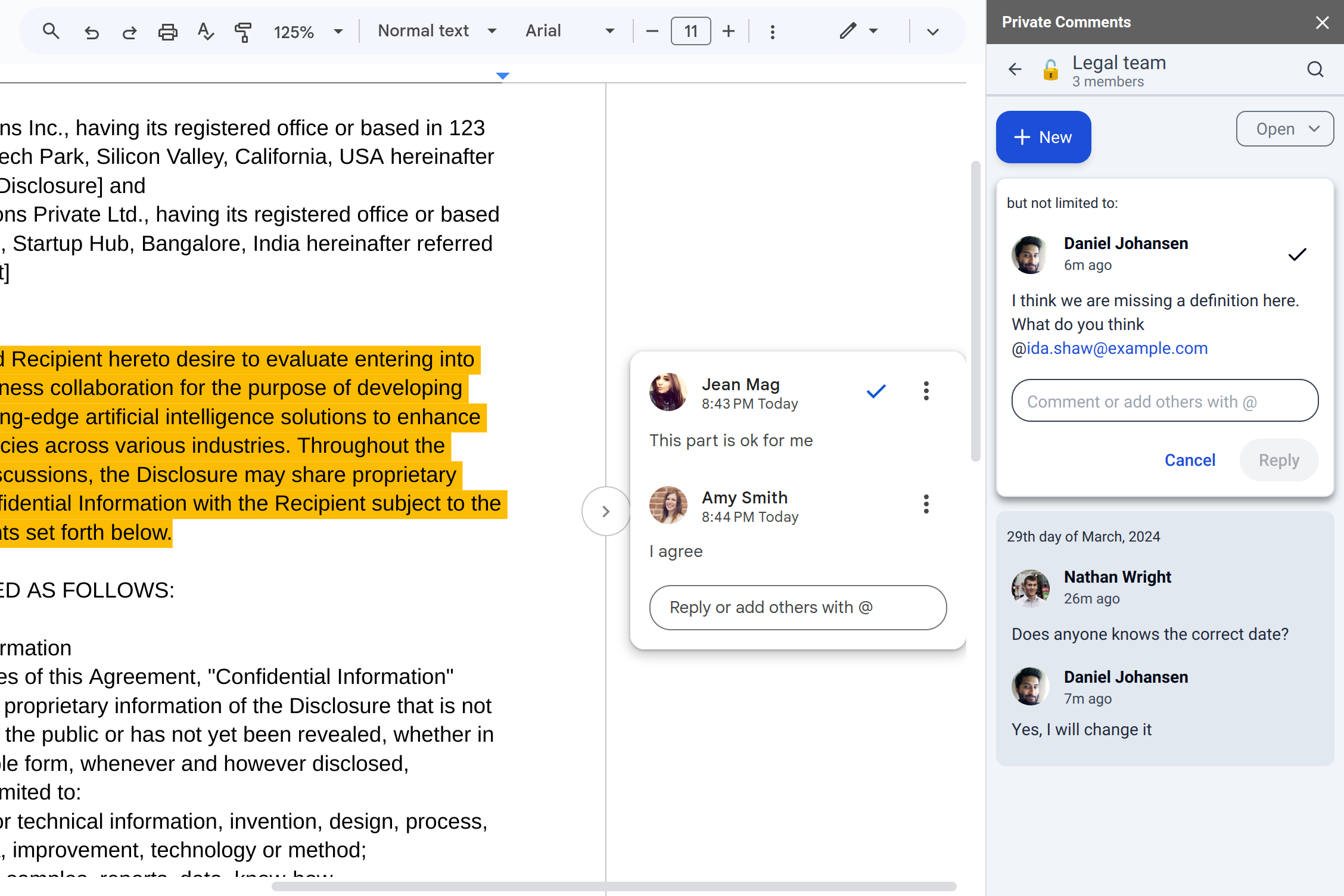
Private Comments boasts a user-friendly interface that seamlessly integrates with your existing Google Doc™ experience.
The best of both worlds, Private Comments easily coexist with Google Doc™ Comments.
Clear Communication, Streamlined Workflow!
Simple and Intuitive: Get Talking in Seconds
Install the Private Comments add-on
Head over to the Google Workspace Marketplace and search for “Private Comments.” With a single click, you’ll be ready to unlock a new layer of communication within your Google Docs™.
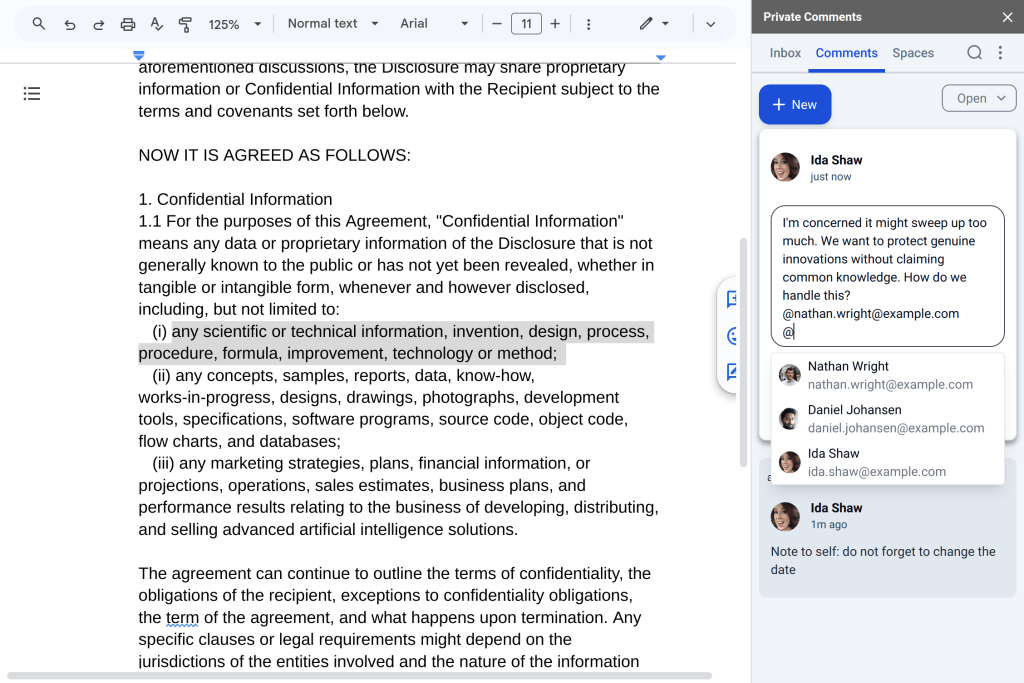
Start a Private Conversation
Highlight the specific text you want to discuss, then click the “New” button in the side bar. Using the traditional “@” share it with whom ever should see it.
Use the same “@” to also share a Private Note and turn it into a Private Comment.
Take your first Personal Note
Highlight the specific text you want to attach the note to. In the add-on side bar, click on “New” and create your first note. No one but you can see this note!
Seamlessly share comments with your team
Create a Private Space, add your team to the Space and there you go. As long as you comment in the Space you do not need to use the @ mention to make the comment visible to the Space members.
You an create as many Spaces as you need!